Some of the firms planning with Offsoo keep the client relationship in Simplicate. That worked, but
it meant two client lists: a new client in Simplicate also had to be created in Offsoo, and a
client that left had to be closed in two places.
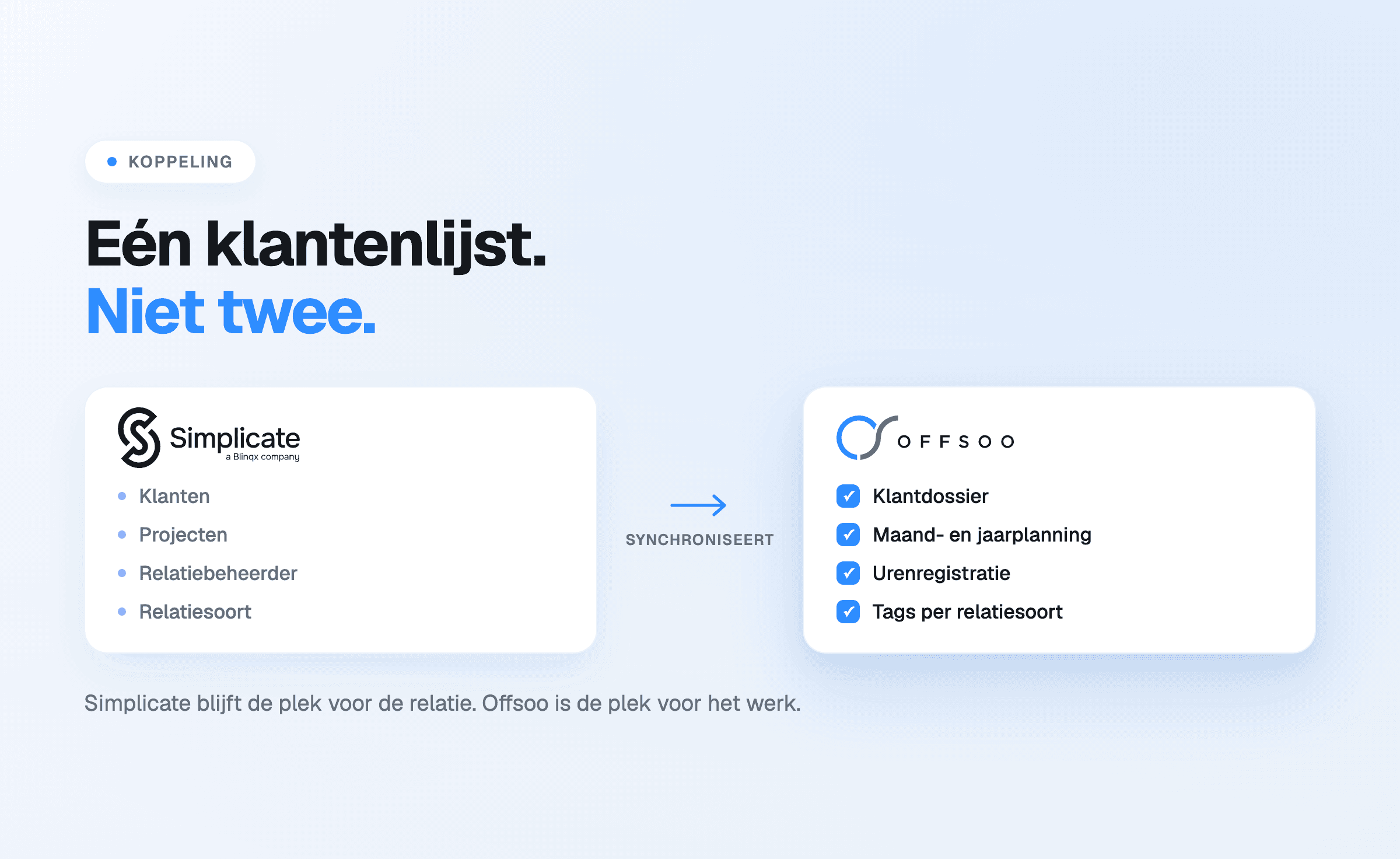
The Simplicate connection removes that. Clients and projects come from Simplicate and stay managed
there; Offsoo takes them over and uses them in the planning and in time tracking.
What comes across
The connection synchronises clients and projects. During setup it is recorded what should
happen with that data:
- Action for a new client — what Offsoo does as soon as a relation is added in Simplicate.
- Action for an inactive client — what happens to a relation that is no longer active in
Simplicate, so the planning does not fill up with files that no longer exist.
- Link the account manager — the account manager from Simplicate is taken over as an employee
in Offsoo.
- Relation type as a tag — the type of relation becomes a tag on the client, which makes it
filterable in the planning overview.
- Map custom fields — custom fields from Simplicate are mapped onto fields in Offsoo, including
a mapping for the possible values.
- Simplicate URL in the client note — a direct link back to the relation in Simplicate, so the
other side is always one click away.
- Assign tasks — the tasks resulting from the synchronisation can be assigned to one or more
employees.
What it delivers
The main effect is not time saved on data entry, but that there are no longer two versions of the
truth. An address change or a new relation only has to happen in one place, and the planning works with the same client names and the same numbers as the
CRM.
For firms that want the division of roles to be sharp: Simplicate stays the place for the relation,
Offsoo is the place for the recurring work that has to be done for that relation.
What does not change
The connection touches the client data, not the work itself. The activities, the frequencies, the
assignees and the checklists are still configured in Offsoo — which is exactly the part a generic
CRM does not provide.
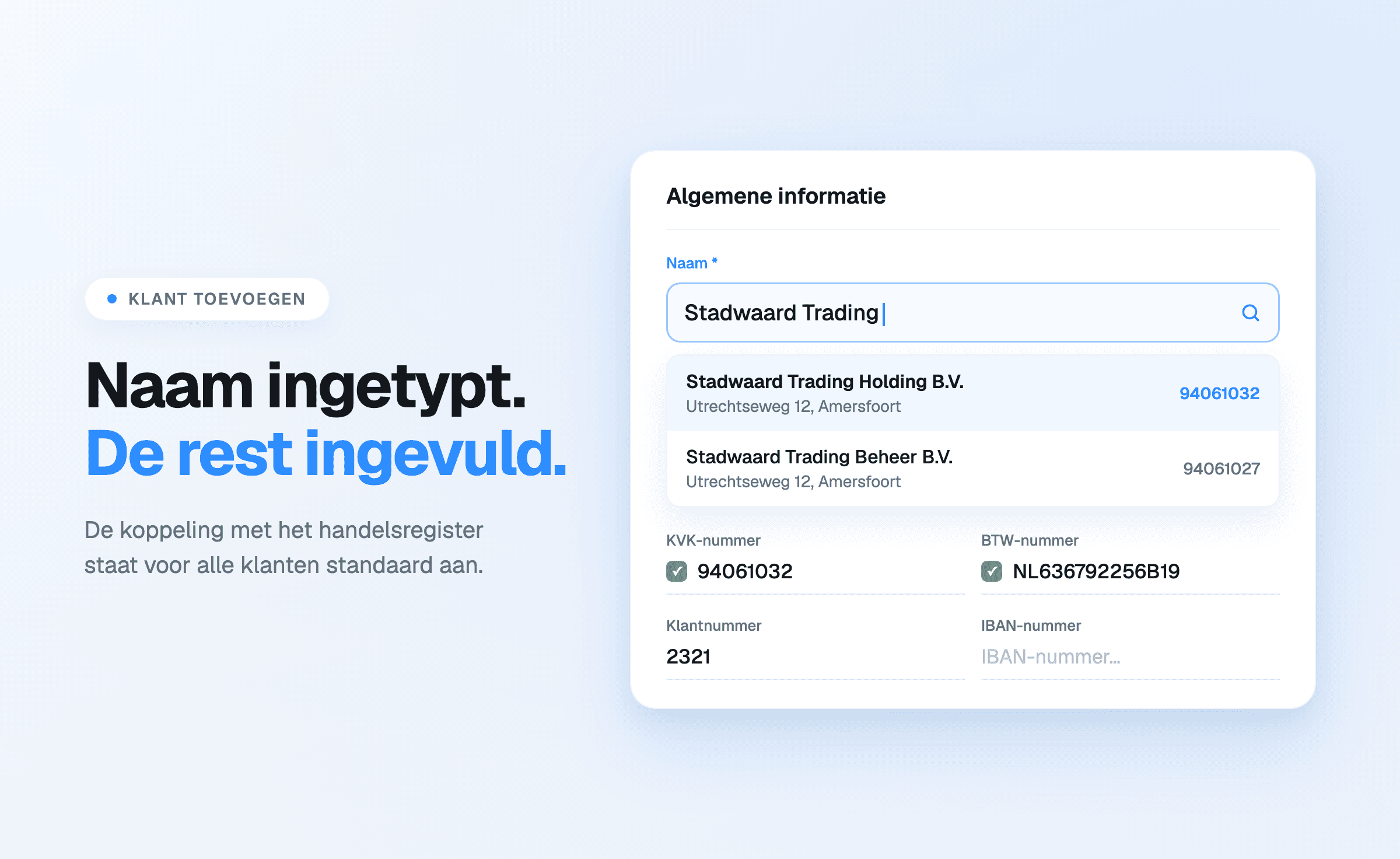
The KVK connection also keeps working for firms that do not use Simplicate; it is on by default for
every client.
Setting it up
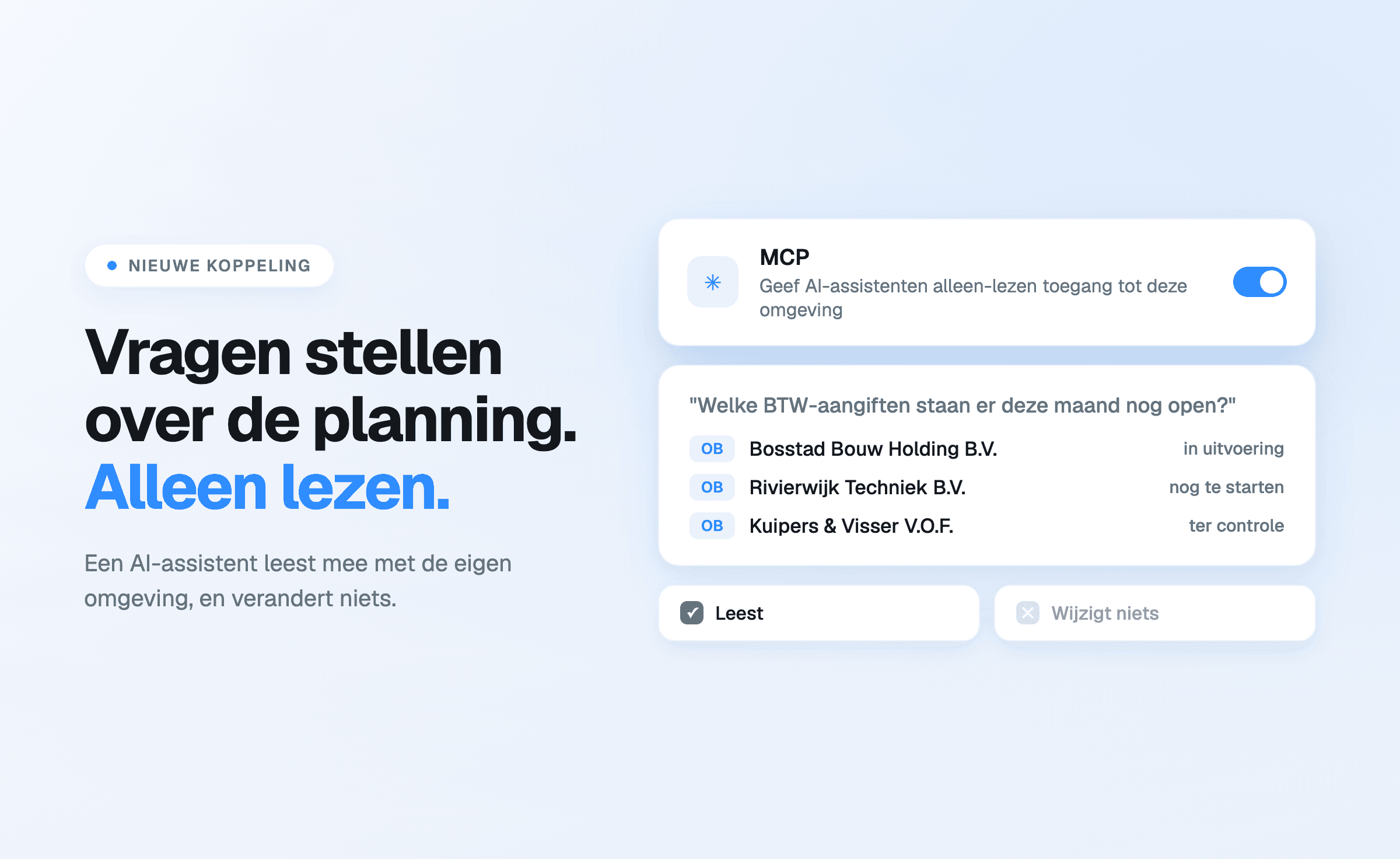
The connection sits under Settings, Connections tab, next to the API tokens and the MCP connection.
Setting it up needs the Simplicate subdomain and the matching authentication details; the options
above are then chosen per item.
Start a free 14-day trial or book a
demo to go through the connection together.