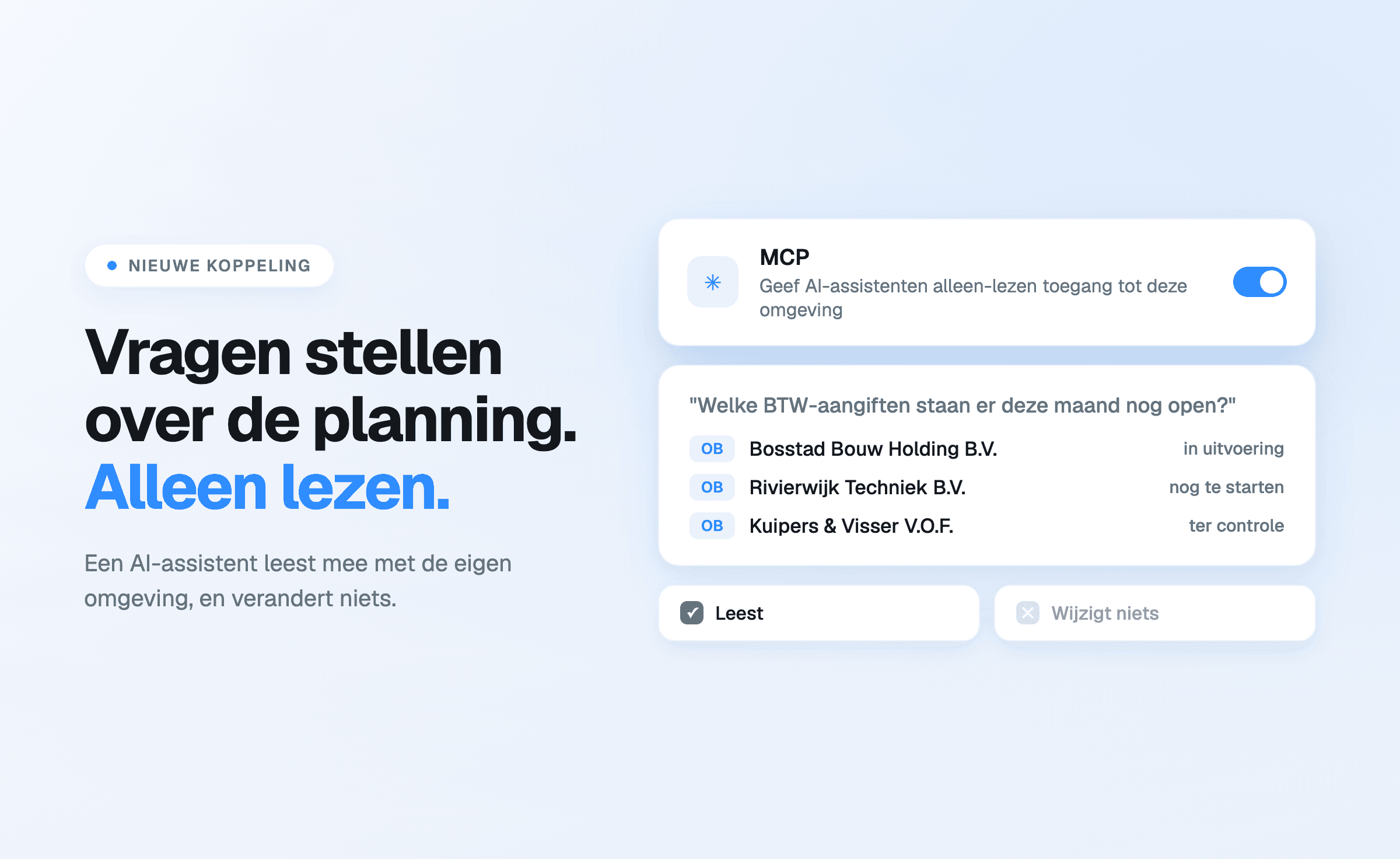
There is a new connection in the Offsoo settings: MCP. In one sentence: it gives an AI
assistant read-only access to the firm's own Offsoo environment.
MCP stands for Model Context Protocol, an open standard through which AI assistants connect to
external systems. The practical consequence for a firm is that questions about its own planning and
hours can be asked in plain language, without first building a report or running an export.
What an assistant gets to see
The connection opens up what is already in the environment:
- clients — with their projects, contacts, addresses, notes and tags;
- the planning — the grid of recurring activities per client, including assignee, planned
hours, status and the checklist of steps;
- hours — recorded time, with the distinction between billable and non-billable;
- capacity — planned hours set against available hours, per month or per week.
That makes questions possible such as: which VAT returns are still open this month, who is above
their hours in April, how much time went into a particular client this year, which files have been
pushed forward twice. Answers come from the firm's own environment, not from an estimate.
Where the boundary sits
Three things matter more here than the range of what is possible.
Read only. The connection cannot create, change or delete anything. An assistant cannot move a
status, cannot record hours and cannot edit a client. What changes still changes in Offsoo itself.
On behalf of one employee. The connection acts as the signed-in employee of one firm. By
default an assistant sees that person's own data; team data or a colleague's only if that employee
has the corresponding rights in Offsoo. The connection does not bypass the permission structure, it
follows it.
On or off. The connection is off by default and is enabled per environment in the settings,
next to the API tokens.
What it is useful for in practice
The most obvious use is the weekly question that otherwise costs a report: what is still open,
where is it stuck, who has room. Beyond that it helps when preparing a client conversation — what
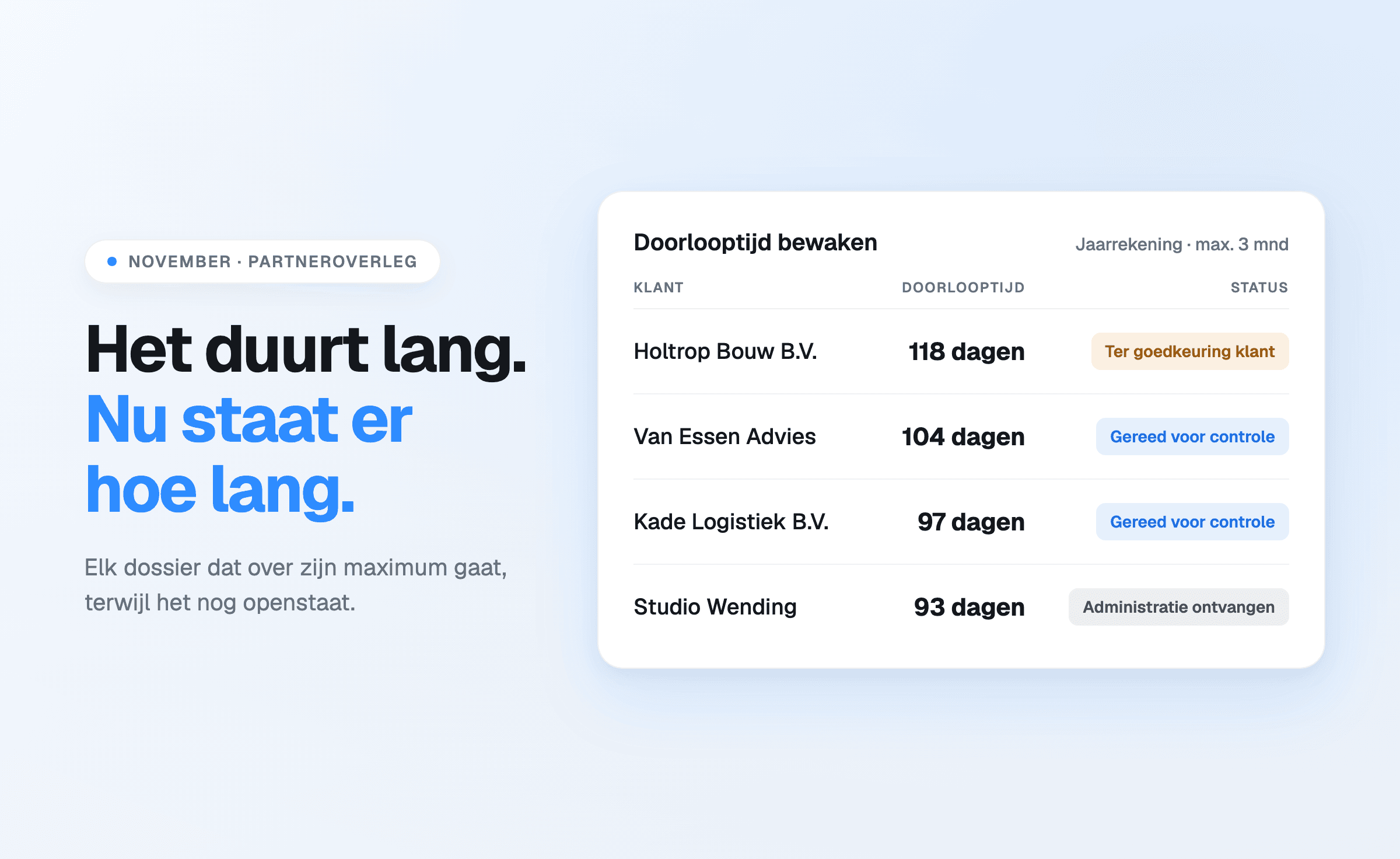
was done this year and how much time it took — and when reviewing a period afterwards, such as the average lead time of the annual accounts — worked out in monitoring lead time.
Anyone who would rather build something themselves can achieve the same with the open API and
their own token. The difference is that MCP requires no development work: the assistant makes the
connection itself.
What it is not
This is not AI that makes the planning. Offsoo does not distribute work by itself, moves nothing
during illness and does not decide what can wait — that judgement stays with the firm. The
connection only makes what that judgement rests on visible faster.
The connection can be found under Settings, Connections tab.
Start a free 14-day trial or book a
demo.