Client data ages quietly. A client moves, changes a statutory name or converts its legal form, and
reports that to the KVK, the Dutch chamber of commerce — but not always to the firm. Usually it
only surfaces when post comes back or a confirmation goes to an old address.
The KVK connection in Offsoo solves that at the source. It is not a module that has to be switched
on and does not sit among the integrations in the settings: it is on by default for every
client.
What maintaining it by hand actually costs
The problem is not the action itself — changing an address takes a minute. The problem is that
nobody knows when that minute is needed.
- Changes are not reported. To a client, an address change is not news the firm needs.
- It sits in several places. What gets updated in one place ages in the other.
- New clients get retyped. Copying name, address, KVK number and legal form from an
extract is exactly the kind of work that produces typing errors.
Creating a new client
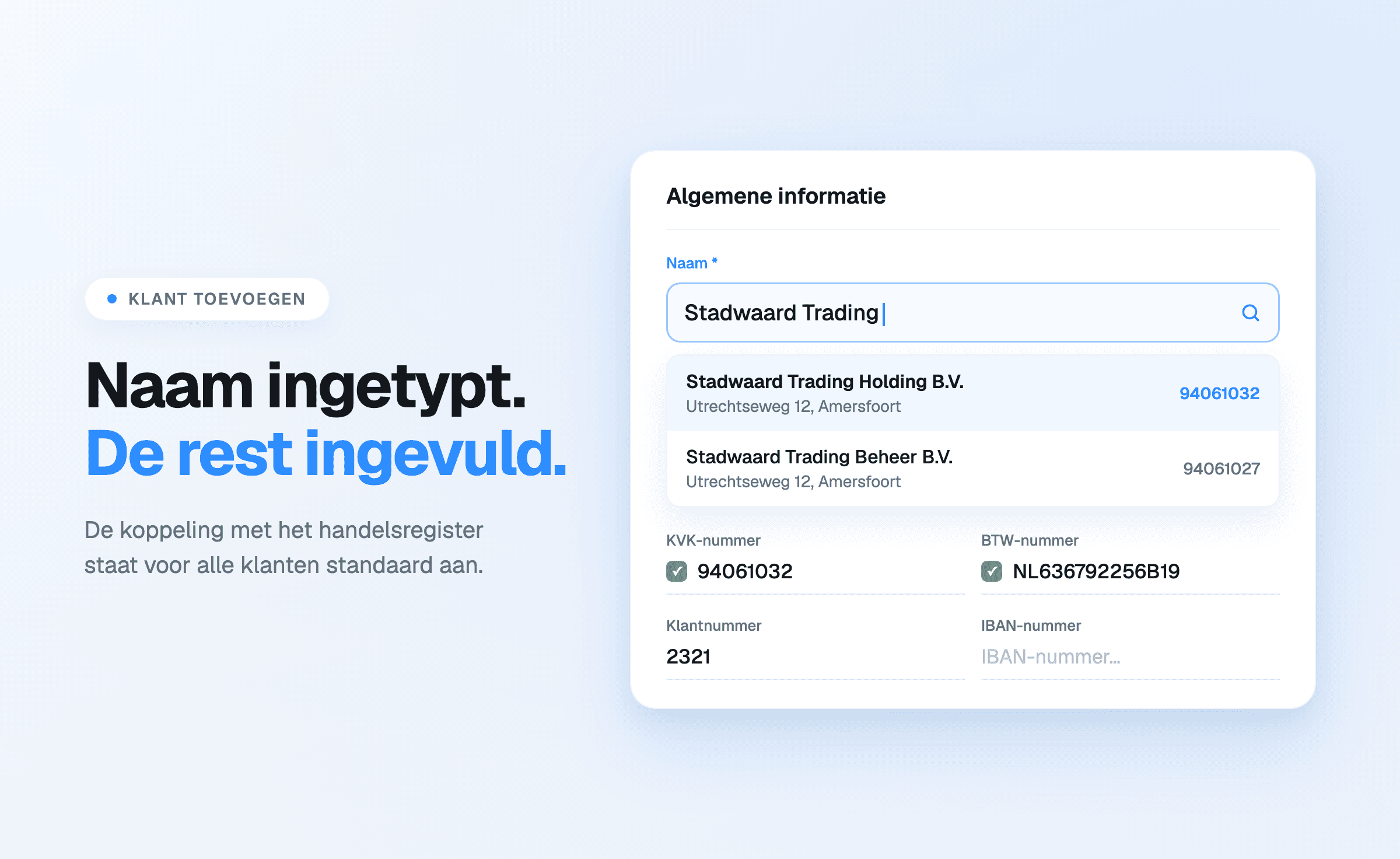
When adding a client, the company name is enough. The name field carries a search that queries the
commercial register; choosing the right result brings the company details across — name, address,
KVK number and whatever else is on record.
The fields around it stay editable: client number, VAT number, turnover-tax number and IBAN sit in
the same screen, as do the contact details and the period during which the client is a client.
That saves time, but above all it avoids the errors introduced at first entry that then sit there
for years.
Staying current
Once a client is linked to the commercial register, the company details keep up. Changes of address
or name arrive in the client file without
intervention.
Because the client file sits next to the planning
and the hours, that carries through to everything attached to that client: the activities in the
planning, the recorded hours and the contact details looked up during a phone call.
What the connection does not do
The commercial register holds public company data, and no more than that. Contacts, notes, tags,
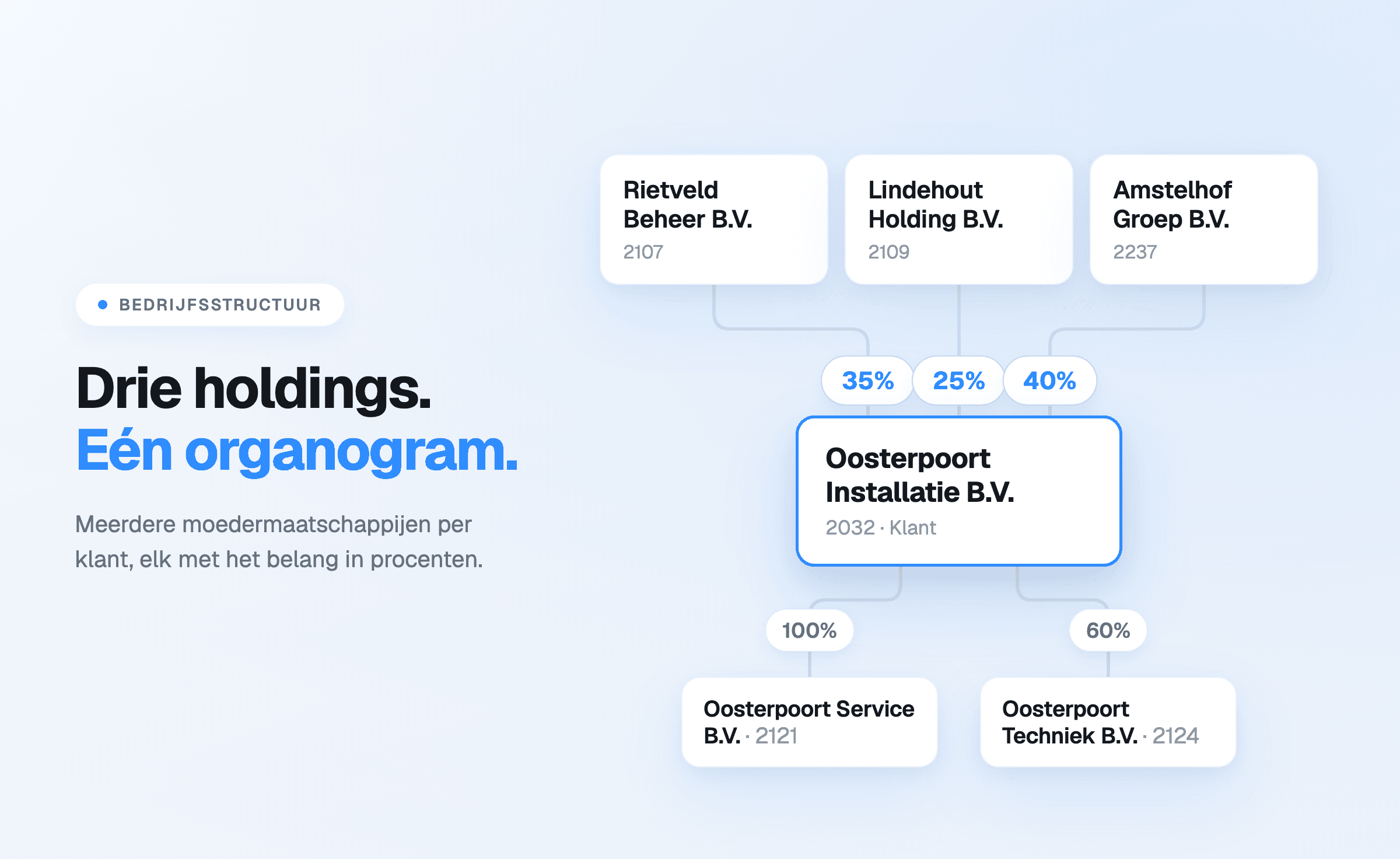
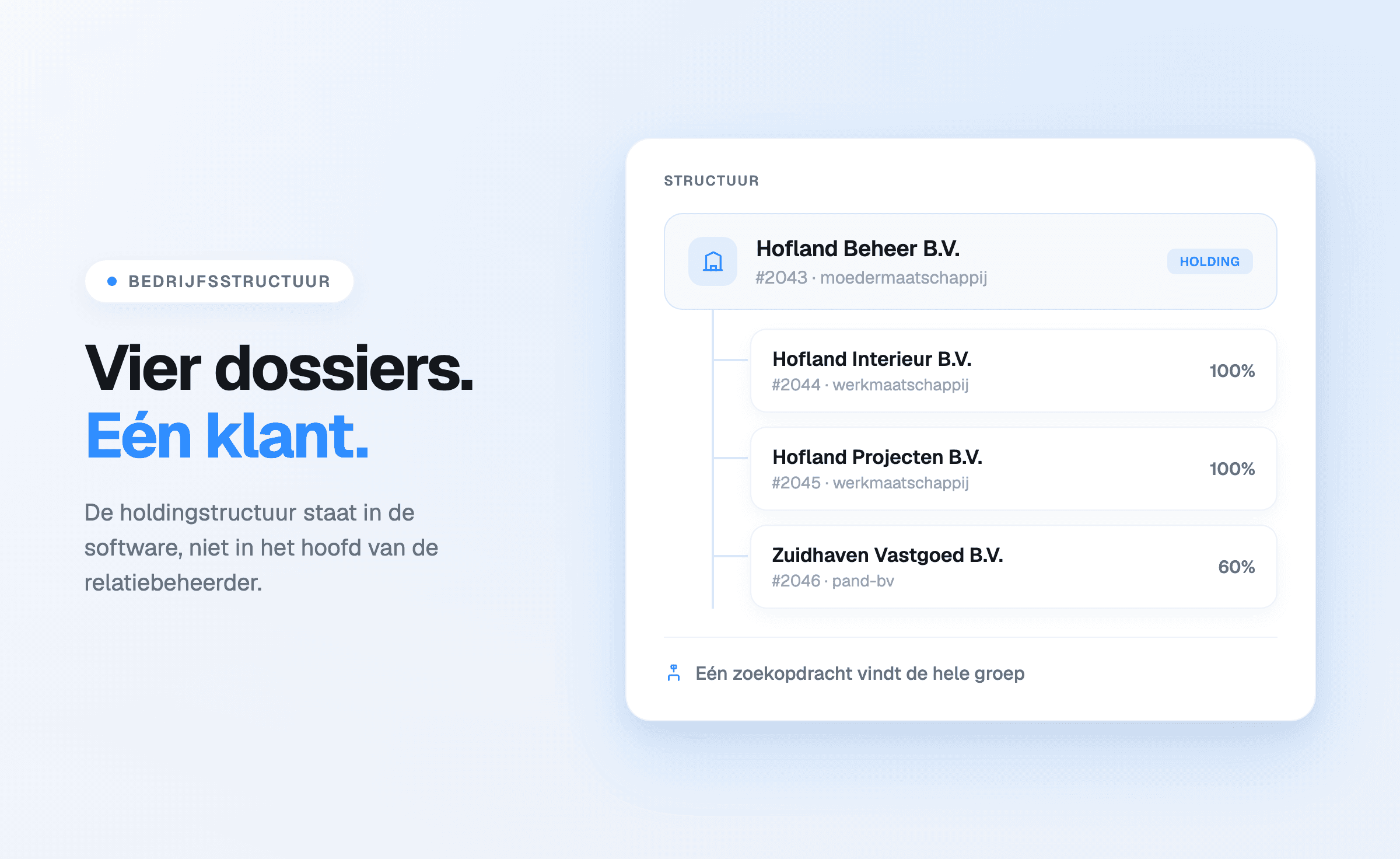
the delivery arrangement and the company structure the firm records itself remain manual entry —
that is the knowledge the firm builds and that belongs in the client file.
So it does not replace client management; it removes the part already maintained elsewhere.
What it delivers
- Less entry when creating clients, and no retyping errors.
- Current company details without anyone having to chase them periodically.
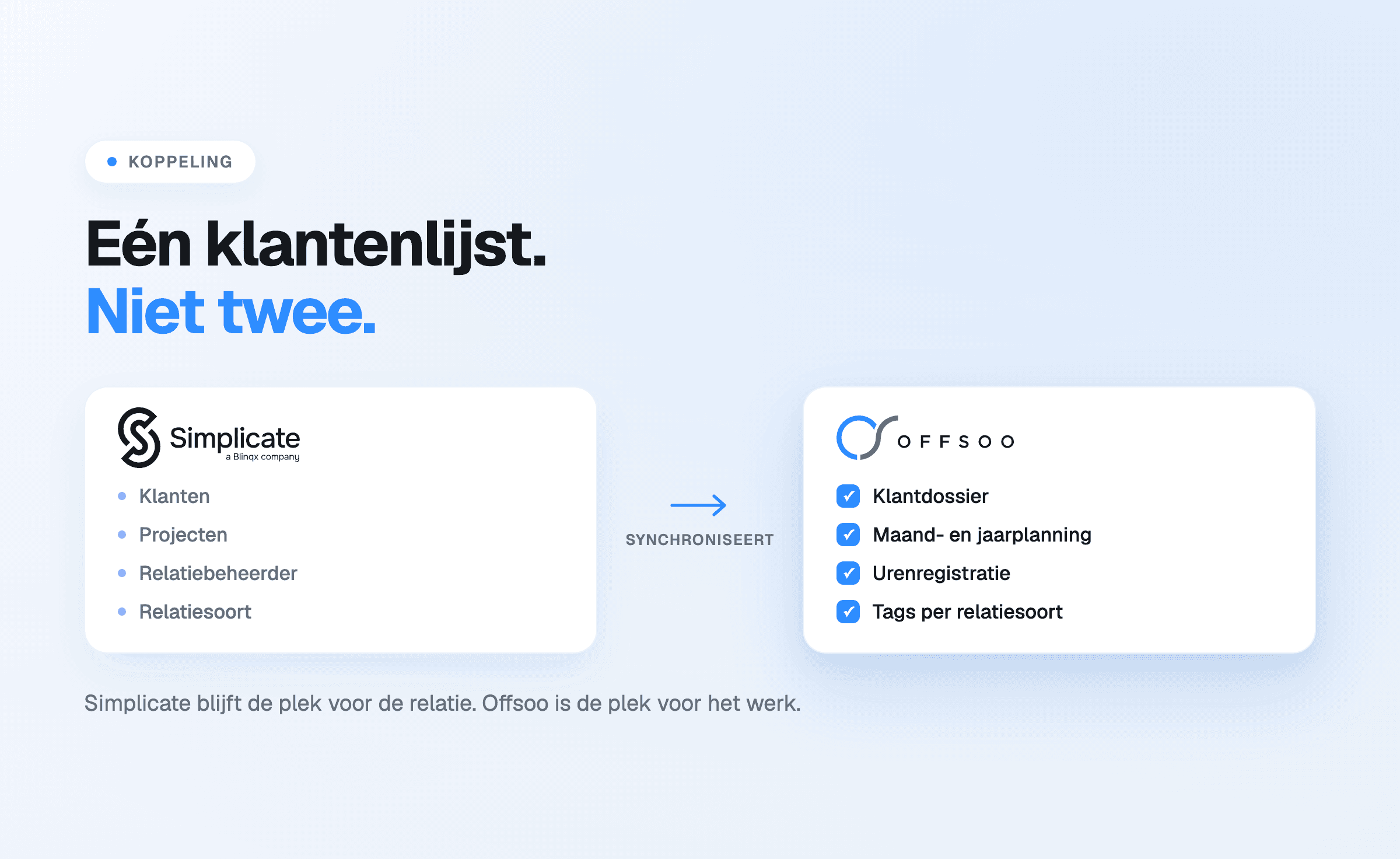
- One client base instead of a version per system.
- Fewer of the errors that only become visible when something goes wrong: post to an old
address, a confirmation under an outdated name.
Start a free 14-day trial or take a look at
client management.