The Offsoo mobile app has been rebuilt — not updated, but remade from the ground up, for both iOS
and Android. The reason was the part that was missing until now and was asked about most often:
time tracking.
The app has five sections, reachable from the bar at the bottom: monthly planning, annual planning,
hours, tasks and an overview holding the rest.
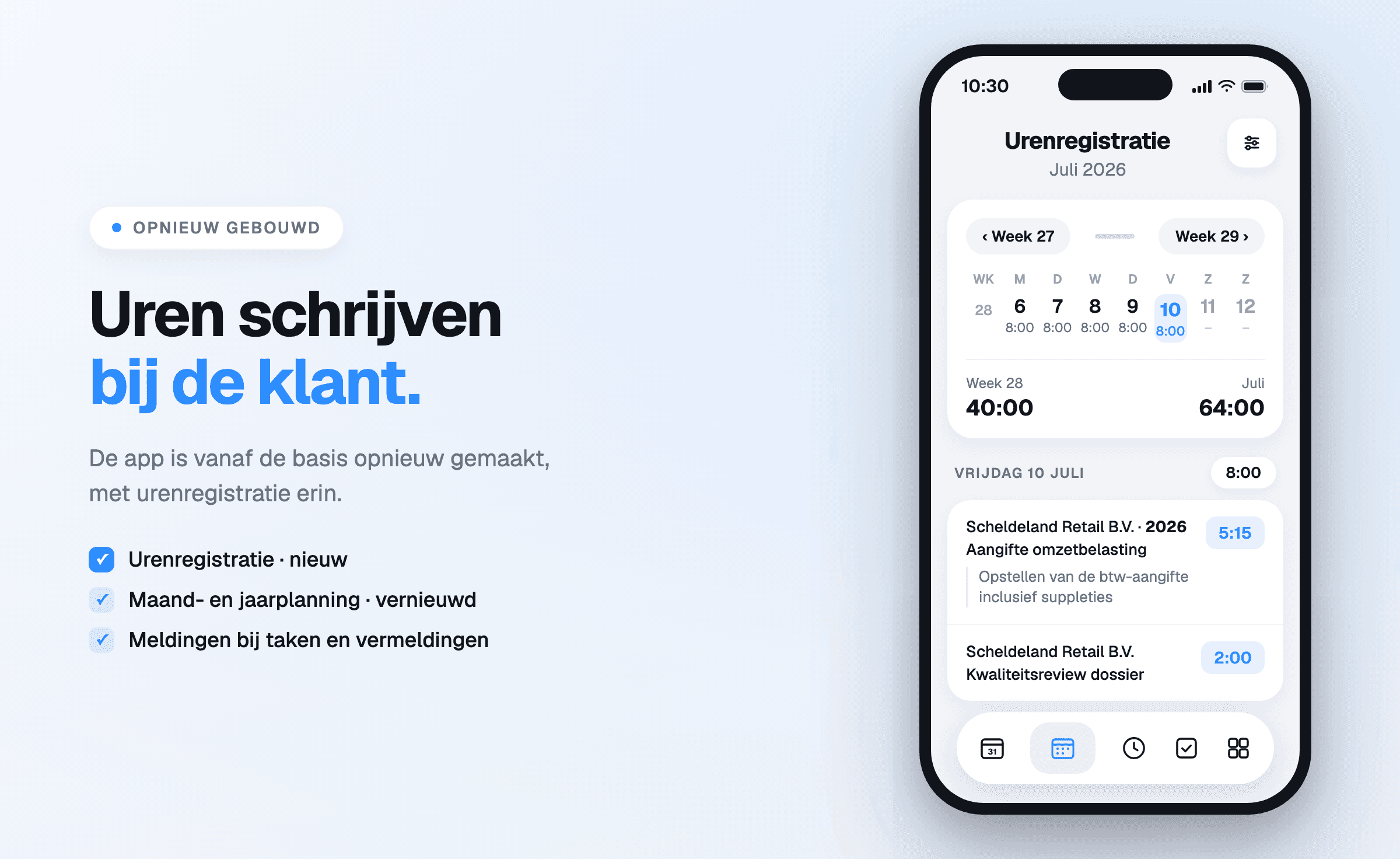
New: recording hours in the app
Until now, hours could only be recorded in the web environment. That meant an hour at a client, a
meeting on the move or a call in between only got captured afterwards — and what is reconstructed
afterwards almost always comes out lower than what was actually spent.
The hours screen opens on the week, with a total per day and, below that, the weekly total and the
monthly total. Under each day sit the lines as they were recorded: client with financial year,
the activity and the description, with the time next to it. A new line hangs off a client and an
activity, exactly as in the web environment.
Renewed: monthly and annual planning
The planning was already in the previous app, but
has been renewed and expanded. The annual planning opens on the financial year and shows at a
glance where the firm stands: how many of the tasks are done, what percentage that is and how many
sit with the signed-in employee. A coloured bar splits that out by status — records received, in
progress, ready for review.
Below it sits the same grid as in the web app: clients with their number and tags, the assignee per
activity, and the completed percentage per column. One tap switches between what is still open,
what is finished and everything together.
Tasks and notifications
Tasks have their own tab, with subtasks, labels and the client they belong to. The app sends
notifications for the things that otherwise pass someone by: a recurring task coming due, and an @
mention in the planning. That last one is the shortest route from "could someone take a look at
this" to the right screen with the right colleague, without email in between.
Client details at hand
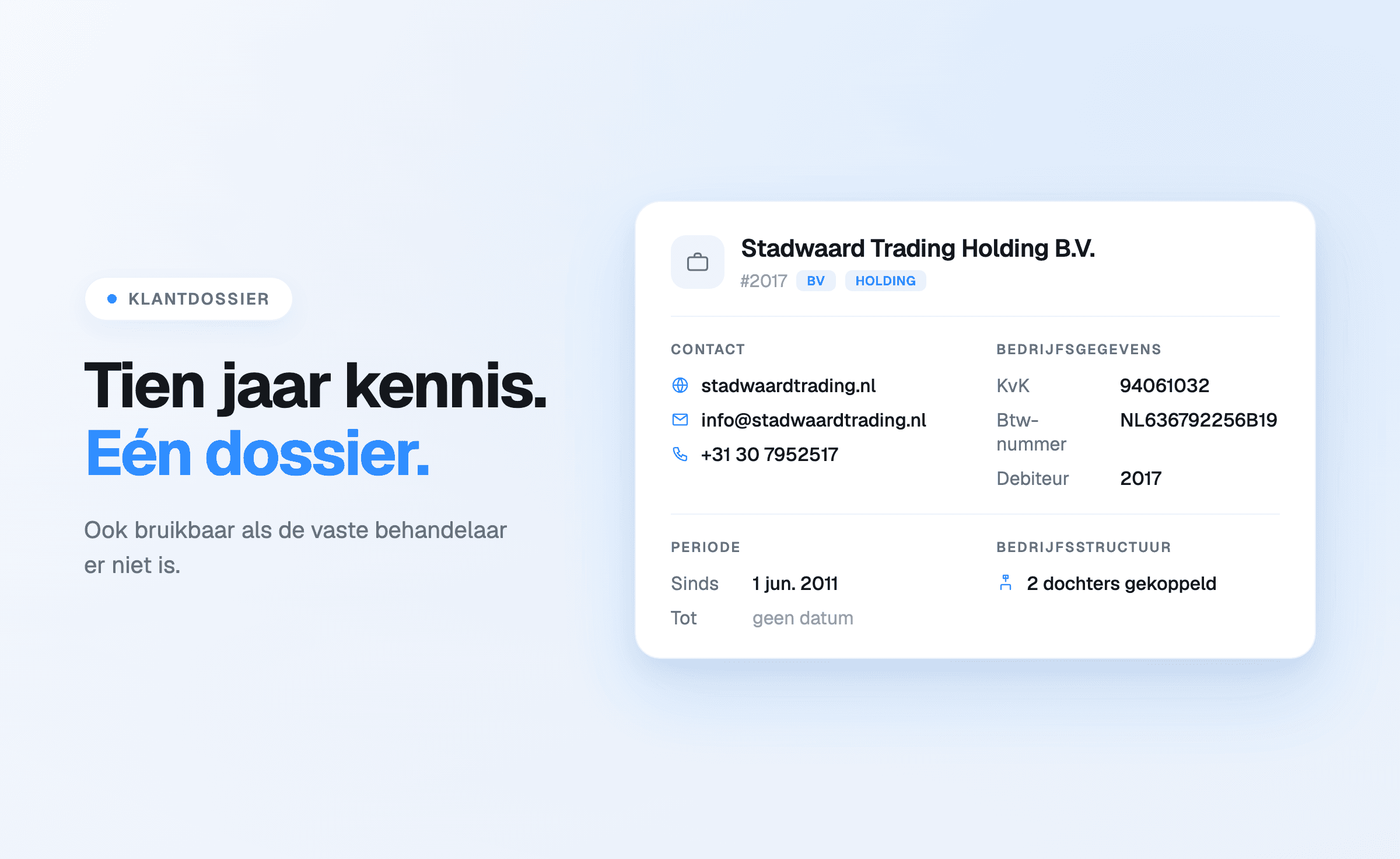
The client file is available on mobile as well:
contact, company details and the period during which the client is a client, with website, email
address and phone number as buttons that dial or open straight away. Practical during a call on the
move, and it saves the detour via a colleague at the office.
For existing users: download again
Because the app was rebuilt completely, it does not arrive as an update to the existing app. The new
app has to be downloaded separately from the App Store or Google Play. Signing in uses the same
credentials as the web environment; nothing has to be migrated.
Download
Not using Offsoo yet? Start a free 14-day trial —
the app works with it straight away.