Automation in a bookkeeping practice is usually presented as bigger than it is. It is rarely about
replacing professional work and mostly about something far duller: removing actions that get
repeated every period without producing anything new.
That distinction is useful, because it makes the question concrete. Not "what can be automated",
but: which action does this firm perform every month with the same outcome every time?
The actions that repeat
At most firms the list comes down to five things.
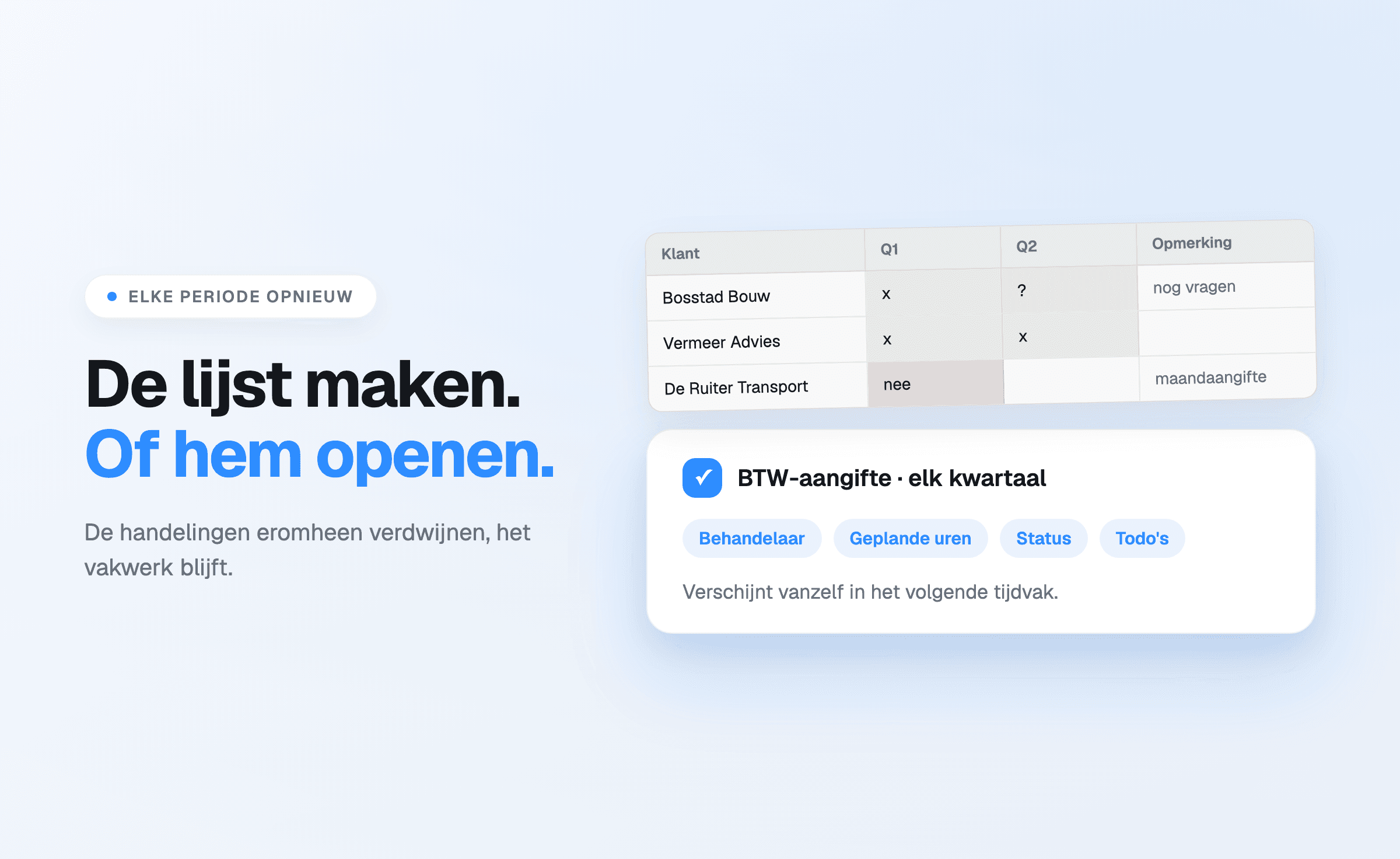
- Assembling lists. Working out again each period which clients are due, when that distribution
already existed last period.
- Chasing status. Walking around or emailing to find out what is finished and what is not.
- Reconstructing hours. Thinking back over the week on a Friday afternoon, with a lower outcome
than reality.
- Retyping client data. Copying addresses and registration details that are already correct
elsewhere.
- Redistributing work without an overview. Working out who has room during illness or a busy
spell, one conversation at a time instead of from an overview.
None of these actions is professional work. Together they add up to several hours per employee per
month at many firms.
What automation means here
Not that the work disappears — a VAT return still has to be prepared. But that the re-entering,
re-assembling and re-asking disappears.
Concretely that looks like this:
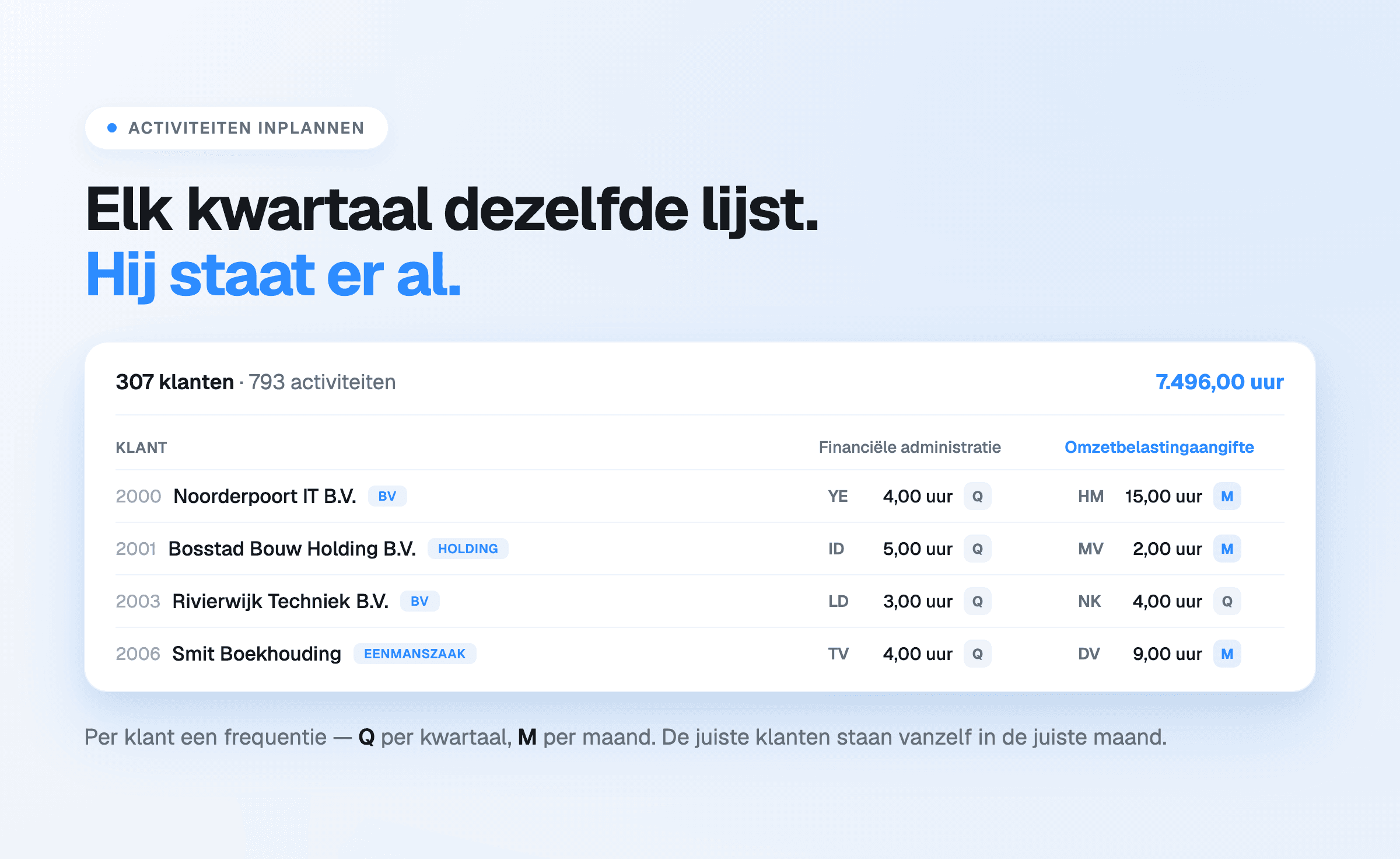
Recurring work returns by itself. An activity in the planning grid has a frequency — monthly, quarterly, annually — and
appears in the next period with the assignee, the planned hours and the checklist already attached. The quarterly list
does not have to be built; it is there.
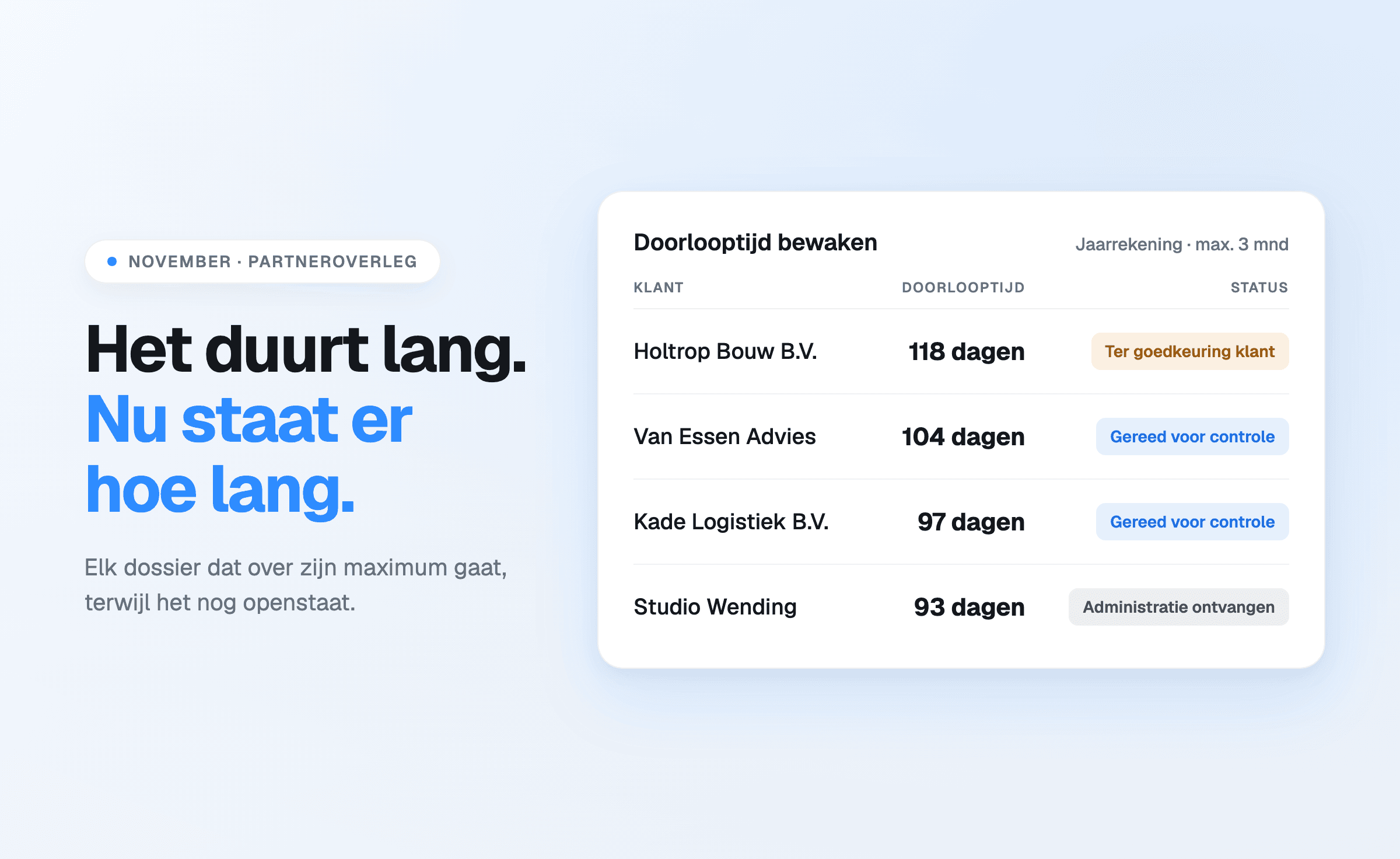
Status is a property, not an enquiry. Everyone looking sees the same state, and what is still
open is a filter rather than a walk around the office.
Client data is maintained at the source. With a linked KVK number, address and
name changes arrive without intervention — described in the KVK connection.
Hours belong to the work. Recorded hours hang off the same activity as the planned hours, so
the comparison between estimate and reality appears by itself instead of being assembled
afterwards.
Who has room can be read. Planned hours against available hours per employee, so redistribution
is about facts.
What it delivers, and where that comes from
The gain sits in three kinds of time, and it is worth keeping them apart.
Time no longer spent on maintenance. This is the most direct saving and the easiest to
estimate: work out how many hours a month currently go into lists, enquiries and retyping.
Time no longer lost. Work done twice, a file forgotten, a return that turns out to be missing at
the last moment. This is irregular but expensive.
Hours that do get recorded. Tracking close to the moment structurally produces more hours than
reconstruction afterwards — and those hours had already been worked.
What stands against that in cost is calculated in what planning software costs.
Where automation stops
A number of things remain human work, and it is sensible to keep them that way.
The professional judgement does not change: which entry belongs where, whether a return is
correct, what a client needs. Prioritisation stays a decision for the firm — software does not
move a file by itself and does not decide what can wait. And the client contact about a changed
plan is exactly where a firm adds value.
Automation limited to the repetition around all that makes more room for it. That is more modest
than the word suggests, and it is the reason it works.
Start a free 14-day trial or book a
demo.