The VAT round is the most predictable work in a bookkeeping practice. The same clients, the same
handling, with a date that has been fixed for years. And still, at many firms that round starts
with the same action: building a list of who files this period.
Which is remarkable, because that list already existed last period.
Why the list keeps being rebuilt
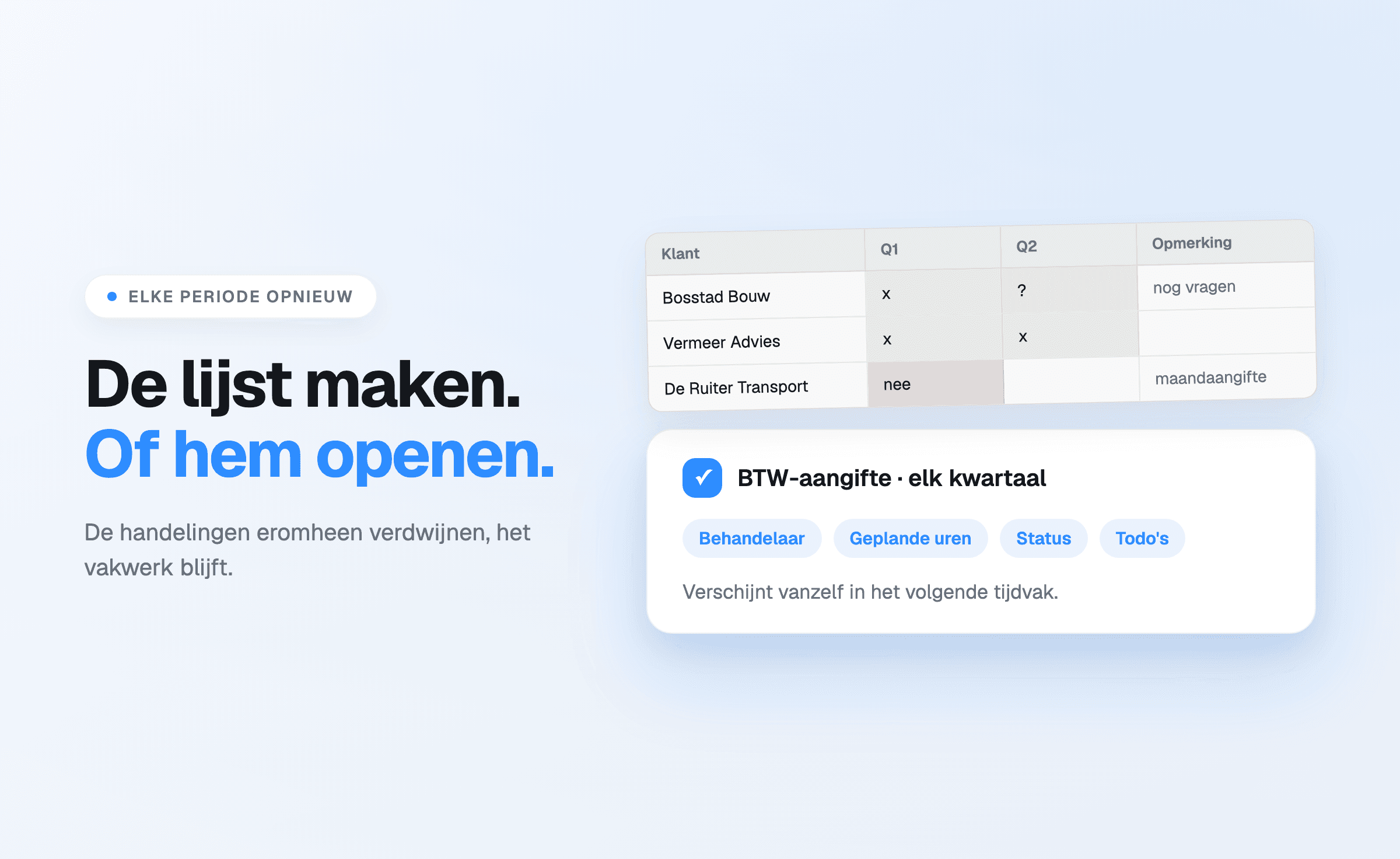
A list in a spreadsheet or an email is a snapshot. As soon as the round is finished it loses its
value: the ticks are still there, but they refer to the previous period. So the next quarter
starts with copying, clearing columns and checking whether the client list is still correct.
Four problems follow from that.
- Duplicate work. New clients, departed clients and changed filing periods have to be checked
by hand every period.
- Exceptions disappear. The client who files monthly, the client with a different delivery
arrangement: that lives in one employee's head, not in the list.
- Status cannot be read. A tick means "processed" to one person and "filed" to another. What is
still open is not visible at a glance.
- Handover costs time. Anyone falling ill or going on holiday hands the list over verbally.
Configure once, a frequency per client
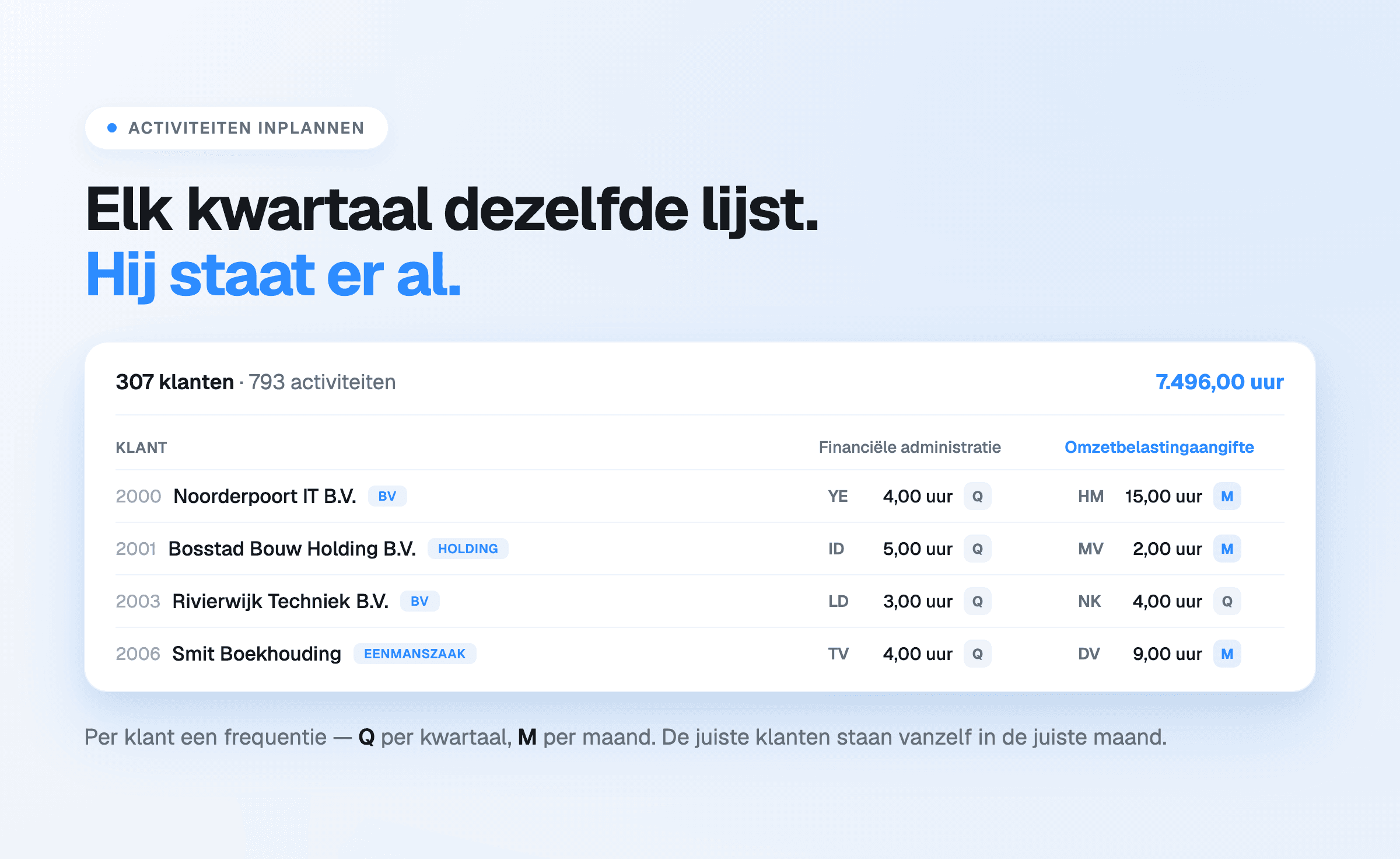
In Offsoo the VAT return is an activity in the monthly planning. When scheduling it, every
client gets its own frequency: monthly, quarterly — in which case the activity appears in
January, April, July and October — four-weekly, half-yearly, or a self-chosen set of months.
That is the core of the difference. The quarterly filer and the monthly filer sit in the same
activity with a different frequency, and July's overview automatically contains exactly the clients
due in July. The list does not have to be made; it is the overview.
While scheduling, each client also carries its assignee and planned hours, with the column total
underneath: how many hours the whole VAT round costs this year.
One thing stays the same: filing itself happens in tax software. Offsoo plans the round,
distributes it and tracks its status; it does not submit returns.
What hangs off a single return
Clicking a cell opens that client's activity for that period. It holds:
- the status, with names and colours the firm sets itself — for example Not started, Records
received, In progress, Ready for review, Awaiting client approval, Completed;
- the assignee, with the planned hours and, if wanted, the corresponding amount;
- the steps: the fixed stages of this round, ticked off per client — checking VAT bases,
checking input tax, the ICP / EU supplies check, carrying over corrections from the previous
period, filing the VAT return, checking the VAT payment;
- free fields for particulars, such as the client's bookkeeping system;
- a timeline with every status change and every remark, with name and timestamp.
That timeline is what a list can never do. "Review can start; bank and VAT reconciliations are
done" sits with the file instead of in someone's mailbox.
How a round then runs
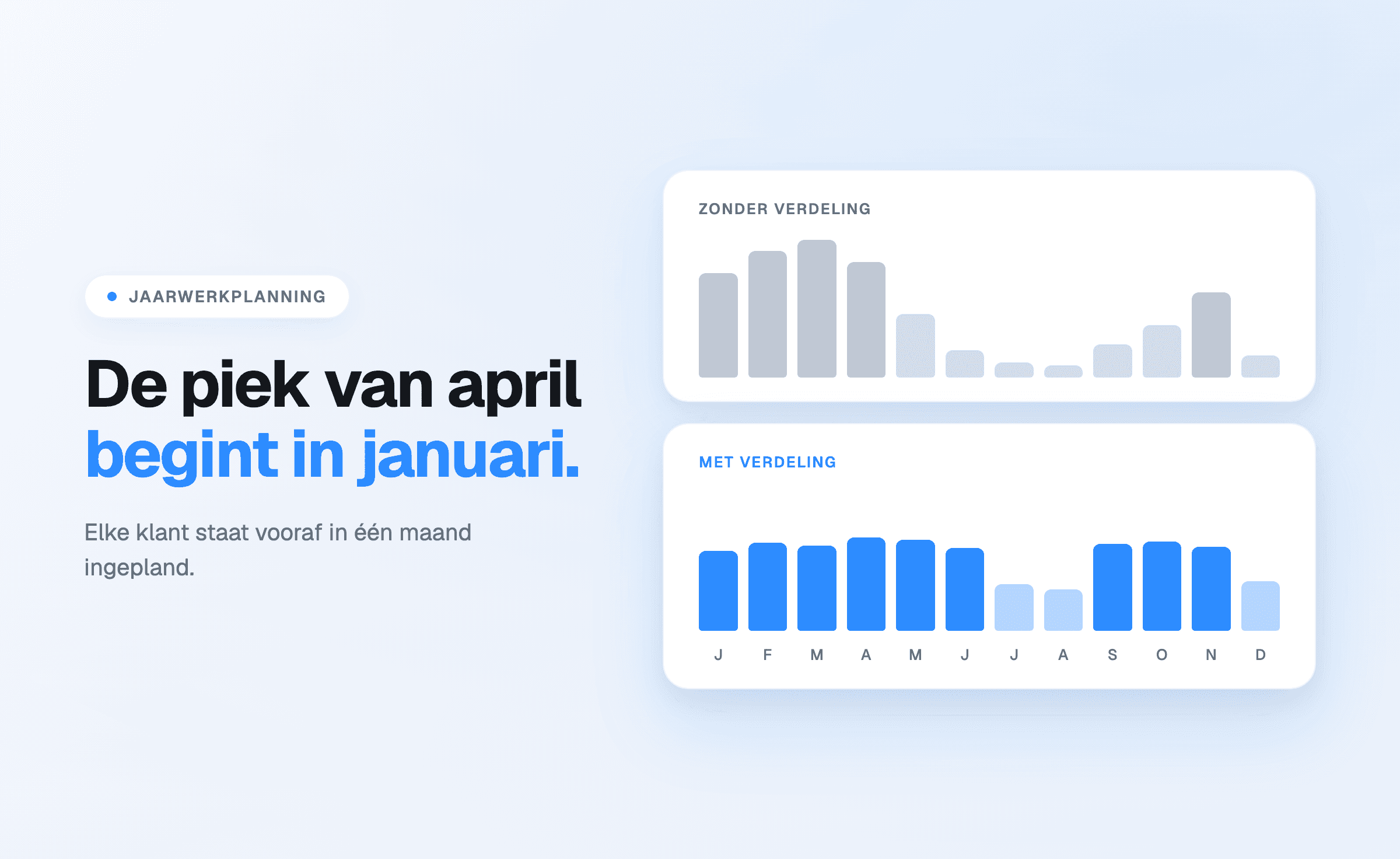
Before the period starts, everything is in place: which clients are due, who handles them and
how many hours are planned. That is the moment to even out unbalanced work, not two days before
the deadline.
During the round, the status shifts per client. The percentage at the top of the column moves
along, and the overview shows how much has been completed in total.
In the final week, only what is open matters. Turning off "show completed" leaves exactly the
clients that still need attention — the list that is worth the most at that moment, and the one
separate lists make hardest to produce.
Afterwards, the hours remain. Per client it shows how much time the return took against what
was planned. Over a few rounds that becomes a pricing and capacity argument instead of a feeling.
Adjustments and the following year
The VAT adjustment is not a monthly but an annual activity: it sits in the annual planning, per
financial year, with its own assignee and status. That keeps the distinction visible between the
current period and settling a closed year.
Reviewing the client list in December and updating the frequencies puts the entire VAT plan for the
next year in place — including how it is spread across assignees.
What it delivers
The work does not get smaller. What disappears is the run-up: assembling, copying and checking
lists that hold the same content four times a year. What is gained is a state of affairs that is
correct at any moment, including when the person running the round is away.
For firms tracking the VAT round in Excel today, this is usually the first activity to move across:
it is predictable, it touches nearly every client, and the effect shows within a single period. How
that switch runs is described in Offsoo next to Excel.
Start a free 14-day trial — no payment details required — or book a
demo with the team.